
Category: Google Chrome
HTML5 Game: Skid Racer 3D
When most of the popular sites are down due to SOPA boycott, here is another HTML5 game for you to try.
SKiD Racer, a WebGL based 3D racing game, not only provides entertainment value but also demonstrates what’s possible with the web browsers technology, that require no additional plug-ins nor any configuration. How good is it? See the video above.
So, in case you are up for a challenge, head over to the Google Chrome Store and check it out.
[Thanks, Shane Bundy]
Download Google Chrome 18 Alpha (Dev)
 As the search giant has recently released the Beta version of Google Chrome 17, it’s no wonder that the 18th version is already available as the Dev build.
Tagged as 18.0.1003.1, Google Chrome 18 Alpha is mostly bug fixes so far. Excluding those, there are also few minor improvements worth noting.
From now on, Google Chrome will reject weak RSA and DSA keys when validating certificate chains for HTTPS and do a better job at error handing in audio wave out.
Continue Reading
Google Chrome + Arcade Games Machine Emulator = Win
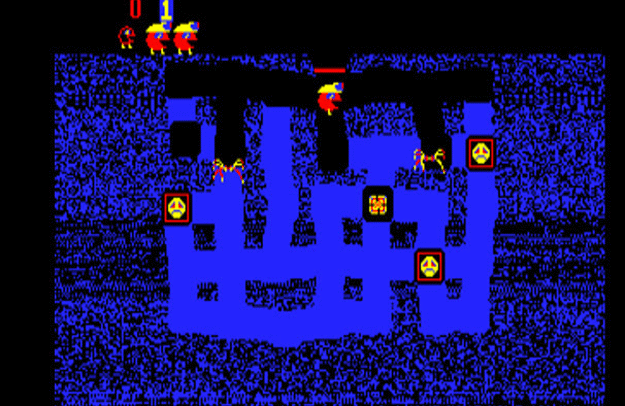
In an effort to “boost” employees productivity around the globe, a group of programmers have decided to port a popular Multiple Arcade Machine Emulator (MAME) into Google Chrome and thanks to that, you can now play pretty much all the classics directly from your web browser.
Continue Reading
Google Chrome 17 Beta Hands On
With the release of Google Chrome 17 Beta, we go hands on to see the latest and greatest new features and other improvements.
As this is our first try, expect the quality of videos to improve over the weeks to come. This time: two new features that we could not test :)
Feel free to provide us with a feedback and any tips you might have.
Download Google Chrome 17 Beta
Now with sites pre-loading and safe browsing.
A new Google Chrome release has recently hit the streets, which can now be downloaded from the official page as version 17 (Beta).
Including various tweaks and bug fixes, Google Chrome 17 also brings two new features that will benefit both hardcore and new users.
Continue Reading
Google Chrome 16 vs. Firefox 9 vs. Internet Explorer 9 vs. Opera 11.60 vs. Safari 5.1
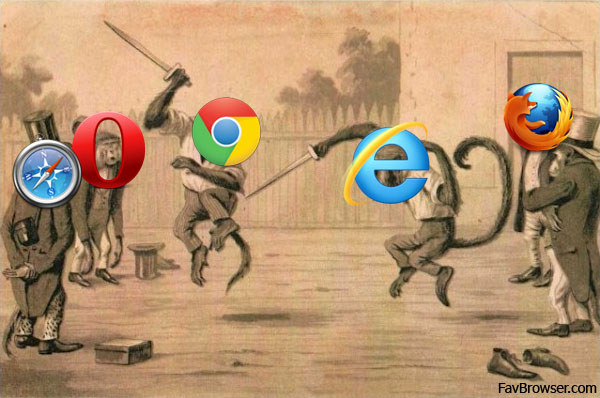
With the Firefox 10, Opera 12 and Internet Explorer 10 releases just around the corner, guys from TomsHardware have decided to test the latest stable builds of the top 5 web browsers on both Windows 7 and Mac OS X Lion.
How did your favorite web browser perform? Let’s find out.
Continue Reading
December, 2011: Google Chrome, Opera, Safari Share Up; Internet Explorer, Firefox – Down
Happy New Year!
It’s that time of the month again when we look at the market share results for the last month. How your favorite browser did finish the 2011 race? Let’s find out.
Already broken through the 50% barrier, Internet Explorer share continues the downtrend, this time it has decreased by 1.19 point, from 48.95% to 47.76%.
Continue Reading
Researchers Say Google Wants To Undermine Firefox’s Growth

Google denies the charges.
Remember the study by Accuvant, which concluded that Google Chrome is the most secure web browser?
NSS Labs, a California based company that publishes web browser security results of its own, has issued a statement, which claims that Google is pretty much on its own now and has already done some dirty things to undermine Firefox’s and other web browsers growth.
Continue Reading
Download Google Chrome 16 Final
It’s that time of week again when software companies release new stable builds of their latest and greatest web browsers.
This time it’s the final version of Google Chrome 16, which can be downloaded from the following web page.
Continue Reading
AdBlock To Allow Non-Intrusive Ads By Default
Webmasters rejoice.
AdBlock Plus, a popular extension for Google Chrome and Firefox, has issued an update, which now allows non-intrusive advertising by default.
Following such “drastic” move, add-on authors have received a lot of negative feedback, blaming them for all kinds of problems.
Continue Reading


