
Category: Tips
Boo! 10 Great Firefox Halloween Personas
As Halloween is slowly approaching, it’s about time to to enhance your Firefox looks. So, download Firefox Personas add-on and let’s get started.
Halloween (click on image to download)

Halloween bats

Continue Reading
Firefox Add-on Compatibility Reporter
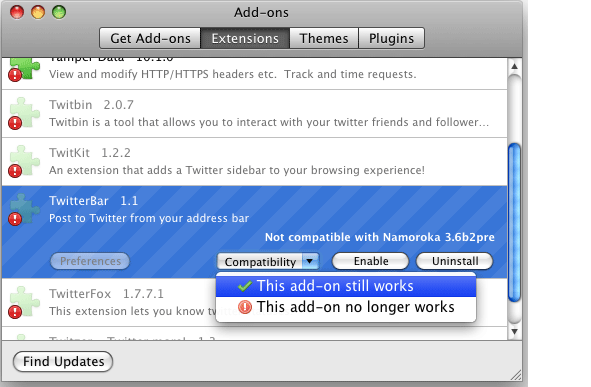
Yesterday Mozilla has released a new extension called “Add-On Compatibility Reporter”. As you might guess, it does report whether installed add-ons work or have some issues with alpha and beta releases.
Here’s what they say about it:
“After installing the Add-on Compatibility Reporter, your incompatible extensions will become enabled for you to test whether they still work with the version of Firefox or Thunderbird that you’re using.”
Recommended for alpha and beta users only.
Download Add-on Compatibility Reporter.
[digg-reddit-me]
How to Set Multiple Home Pages in Internet Explorer 8, 7, 6
Here is a quick and easy way to set multiple home pages in Internet Explorer 8 and below. All you have to do is:
Go to
Tools –> Internet Options –> General Tab
Enter your favorite pages and hit OK.
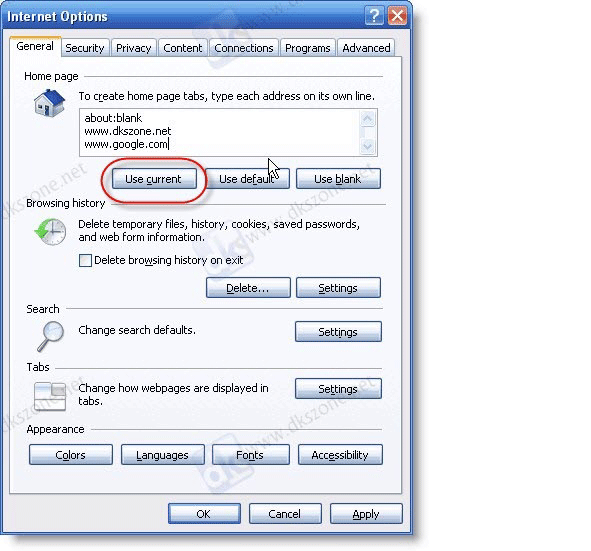
You may also use “Use current” button, which will add URLs from your opened tabs.
[digg-reddit-me]
Creating Google Chrome Theme with Your Pictures
 Mr. Kamalakar has written a short guide on how to create a simple Google Chrome theme with your own images.
All you have to do is: paste code into your theme manifest.json file, copy some pictures and that’s about it.
[digg-reddit-me]
New to Google Chrome Guide
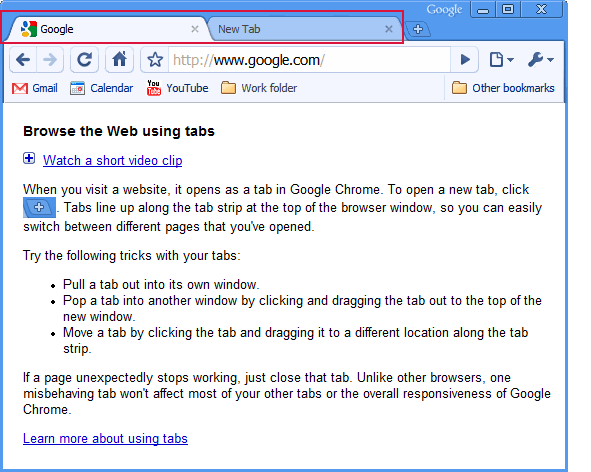
In order to help Chrome users learn everything faster and with ease, today Google has released a “New to Google Chrome” guide which not only provides detailed information on various functions, but includes short video clips as well.
[digg-reddit-me]
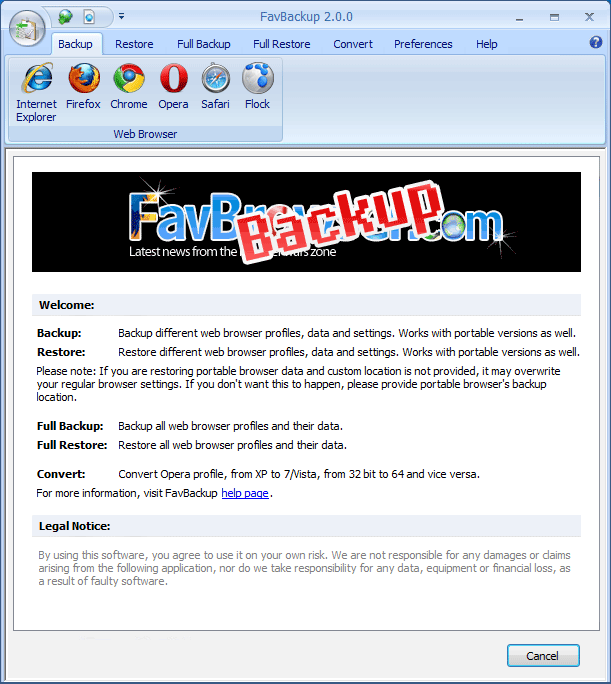
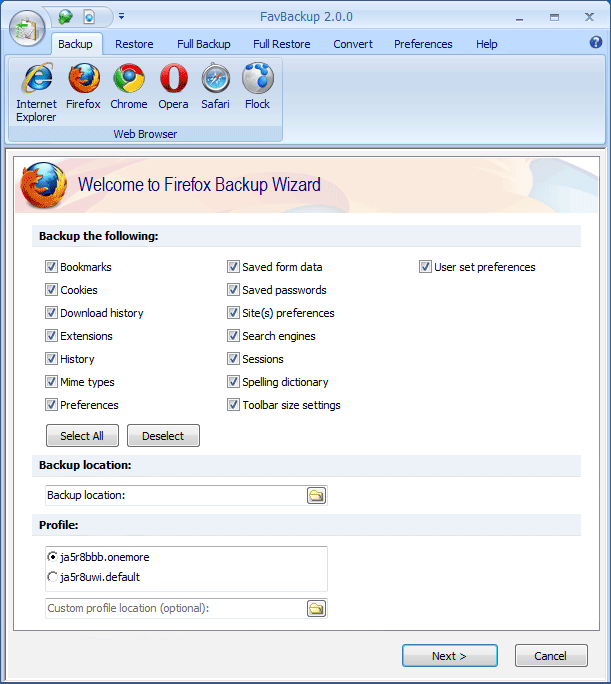
Backup Web Browser Data with FavBackup 2.0
We are happy to announce the availability of FavBackup 2.0, software which backups web browser bookmarks, passwords, extensions and pretty much everything else.
The following release focuses on usability and optimizations.
Opera: Quick Tip
Click and hold the Back button and you’ll get a list of all visited pages for the current tab.
Via Twitter.
10 Great Opera Speed Dial Backgrounds
If you are using Opera and can’t find any good Speed Dial backgrounds, then check the following post, because it has some great ones (in good resolution).
Continue Reading
Speed Up Your FireFox with SpeedyFox
 If you’ve been heavily using Firefox web browser and noticed decreasing performance, then maybe it’s time for you to try new tool called “SpeedyFox” (Windows only).
What can it do?
Boost Firefox startup in up to 3 times
Speed-up browsing history
Quicker operation with cookies
So how does it work? Continue Reading


