
Backup Web Browser Data with FavBackup 2.0
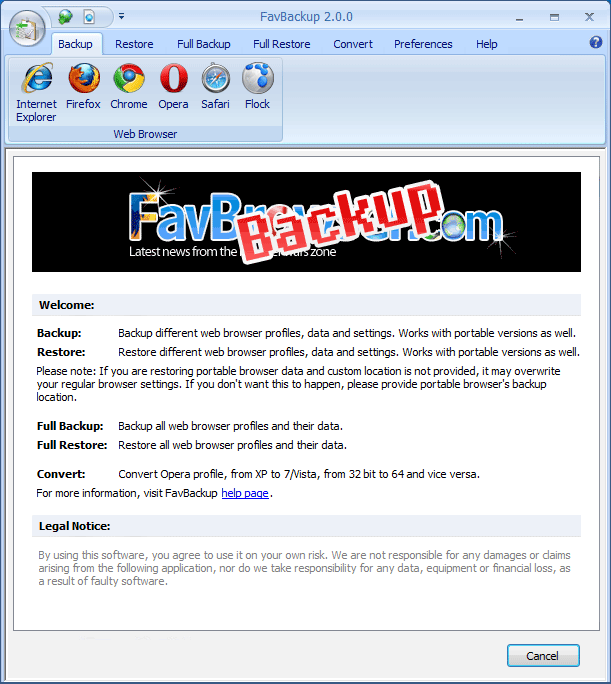
We are happy to announce the availability of FavBackup 2.0, software which backups web browser bookmarks, passwords, extensions and pretty much everything else.
The following release focuses on usability and optimizations.
What’s New?
User interface:
– Microsoft Ribbon user interface
– Shortcuts for faster access
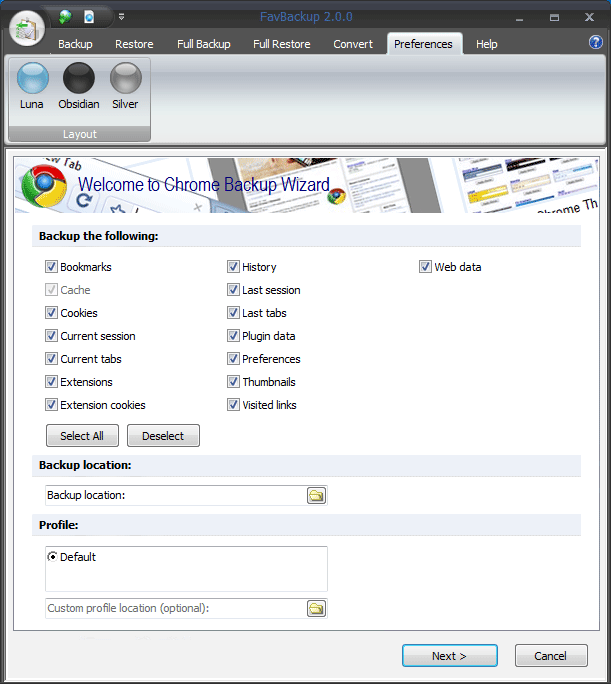
– 3 different style layouts
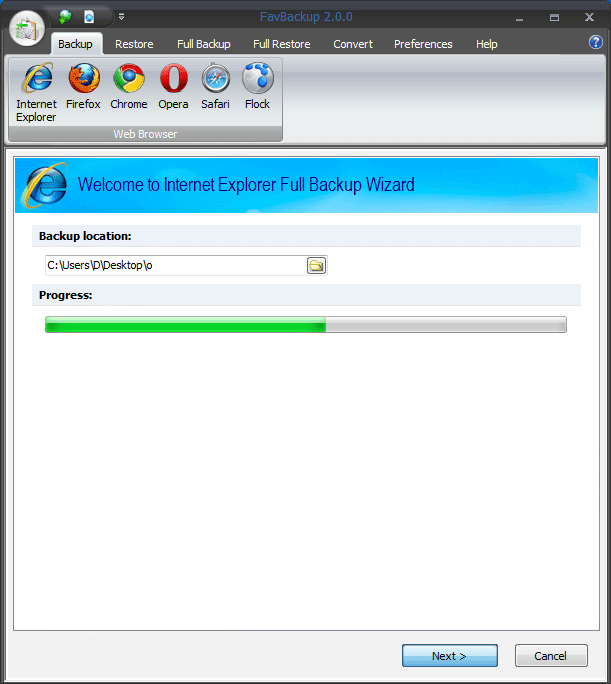
– Progress bar
New features:
– Backup is now stored in .dat file
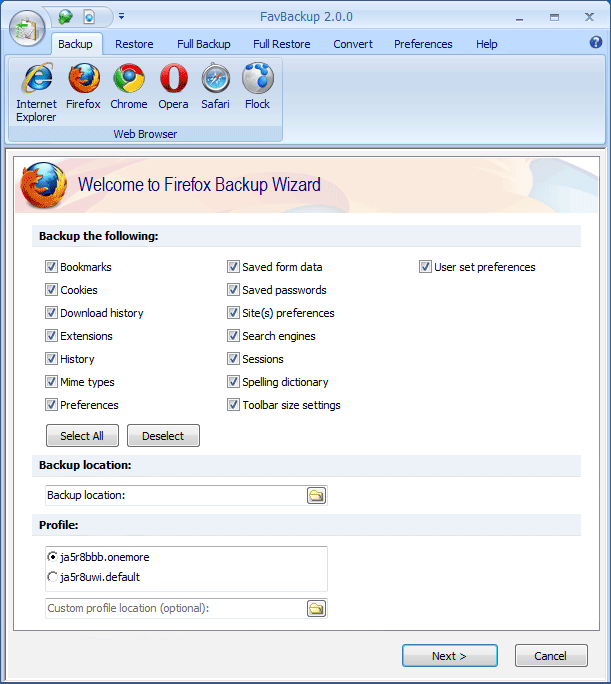
– Multiple profiles support
– Custom profile location support
– Portable browsers support
– Opera 10 profile conversion
Added web browsers:
– Opera 10 support
– Flock 2.5 support
Other improvements:
– 40% less RAM usage
– Minor bug fixes
Download:
- .exe (4.83 MB) (RapidShare.com) | Mirror #1 (Temp disabled)
- .zip (1.97 MB) (RapidShare.com) | Mirror #2 (FavBrowser.com)
[digg-reddit-me]

About (Author Profile)
Vygantas is a former web designer whose projects are used by companies such as AMD, NVIDIA and departed Westood Studios. Being passionate about software, Vygantas began his journalism career back in 2007 when he founded FavBrowser.com. Having said that, he is also an adrenaline junkie who enjoys good books, fitness activities and Forex trading.
Subscribe
If you enjoyed this article, subscribe to receive more just like it.


Comments (11)
Trackback URL | Comments RSS Feed
Sites That Link to this Post
- [Fav] Backup Web Browser Data with FavBackup 2.0 - Overclock.net - Overclocking.net | September 28, 2009
- Top 5 Security Plugins For Firefox, Chrome And Internet Explorer | October 15, 2009
- Top 5 plugin de seguridad para Chrome | rhypee 2.0 | October 15, 2009
- Top 5 plugin de seguridad para Internet Explorer. | rhypee 2.0 | October 15, 2009
- 5 indispensabili addon per la sicurezza sviluppati per Chrome, Firefox e Internet Explorer - Geekissimo | October 15, 2009
OMG! YOU ROCKS! *————*
You guys are just amazing! Thank you so much!
while trying to backup my Opera 10 I got a message:
Settings Files Not Found. Select Custom Profile.
To which opera folder I shout point it?
Any, just type in it’s name (*if you are talking about full backup).
Wow this seems like a nice application and provide an all-in-one solution for the popular browsers! Gonna give this a try and provide a mini review on my blog later :D Keep up the good work
thanx for Adding Opera10. this is the thing I wanted.