
Maxthon 3.2 Beta Review
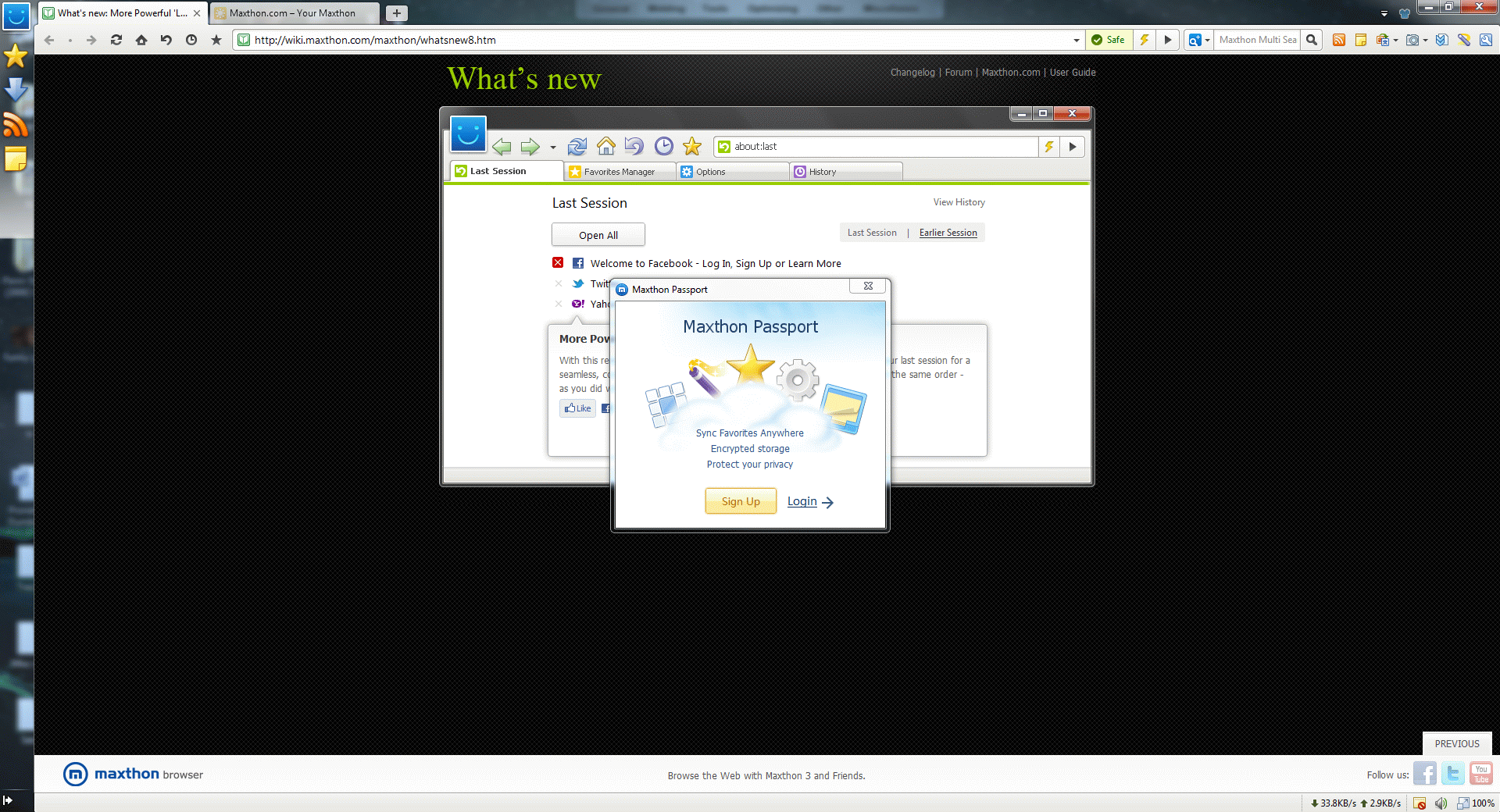
Maxthon, a hybrid web browser from China, has gained a huge crowd of followers in its own homeland and quickly took over the first spot from the Internet Explorer itself. However, when it comes to a global market share, thing are quite different. Microsoft’s IE is still in the lead while Maxthon is miles away from being a “must have” alternative.
Can the upcoming Maxthon 3.2 release change things for good or does it still lack polish and should not compete with the big boys? We go hands on to find out!
About
As we mentioned earlier, Maxthon is a hybrid web browser that combines both Internet Explorer’s Trident and WebKit rendering engines. Therefore, users can switch between two of them without losing the functionality. Furthermore, Maxthon includes one of the fastest JavaScript engines out there, which is Google’s V8.
Review
Look and Feel

Upon web browser launch, Maxthon greets you with a familiar grid of your favorite sites, a feature, which has originated from the Opera and is now used by pretty much every web browser.
Unlike some of its competitors, Maxthon offers a variety of Speed Dial groups for quick and easy access. In addition to that, users can use their own background image or select from pre-installed ones.
On a downside, thew new tab page feels sluggish when comapred to Opera or Google Chrome. A pretty significant con, considering that it’s the most visited area.
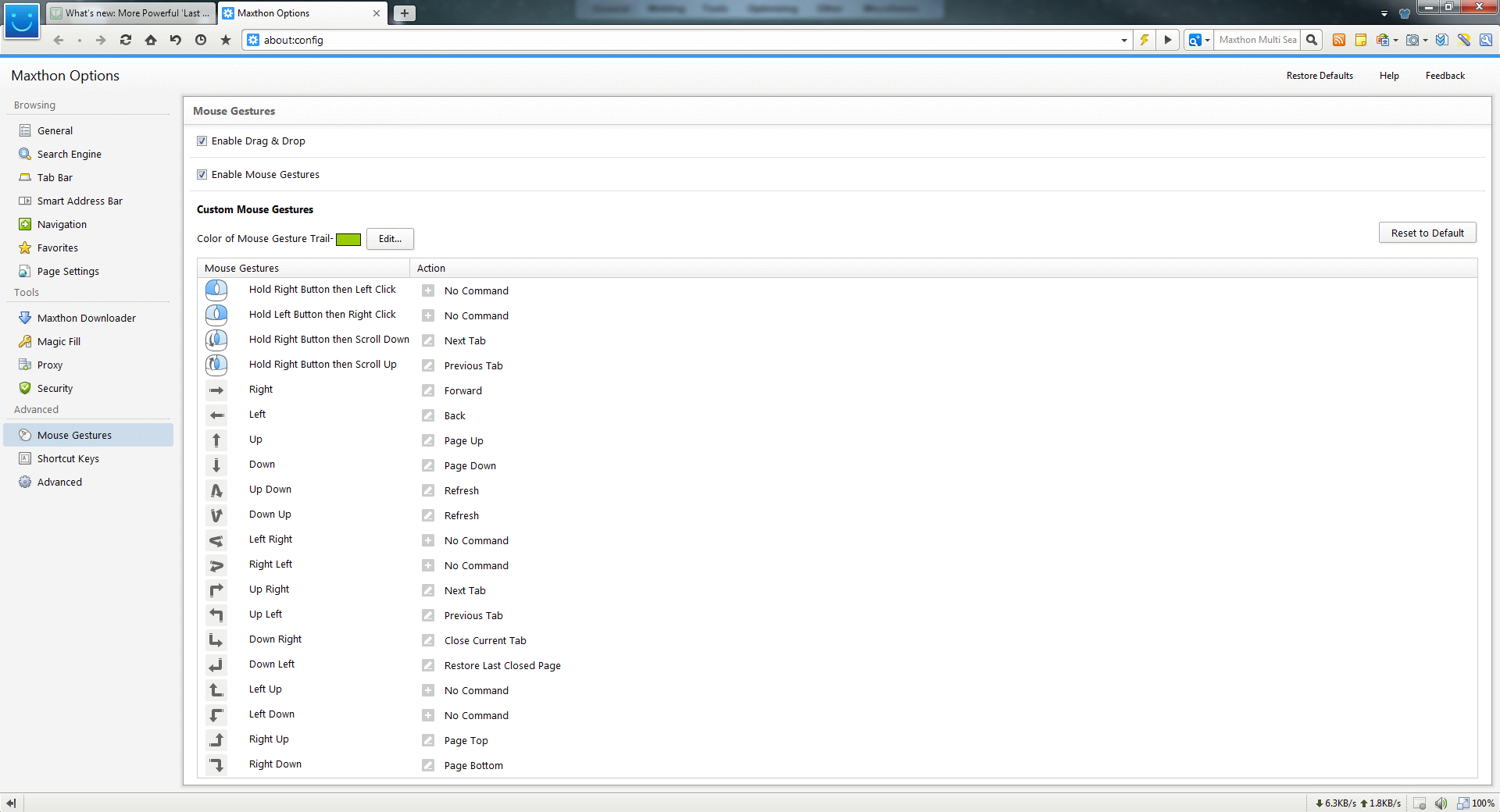
After getting to know the web browser, the next natural step is a settings page and that’s where Maxthon truly shines.
As we mentioned in our previous review, the options window UI is well organized and is pretty much flawless.
Tabs are colorful and invite you to explore, every single setting is easy to understand, especially when Maxthon provides you with a detailed description and even some visuals. Everyone single browser should copy the concept.
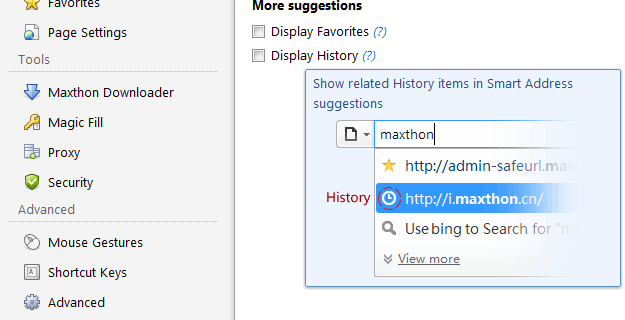
How can you not love that?
Developer Tools
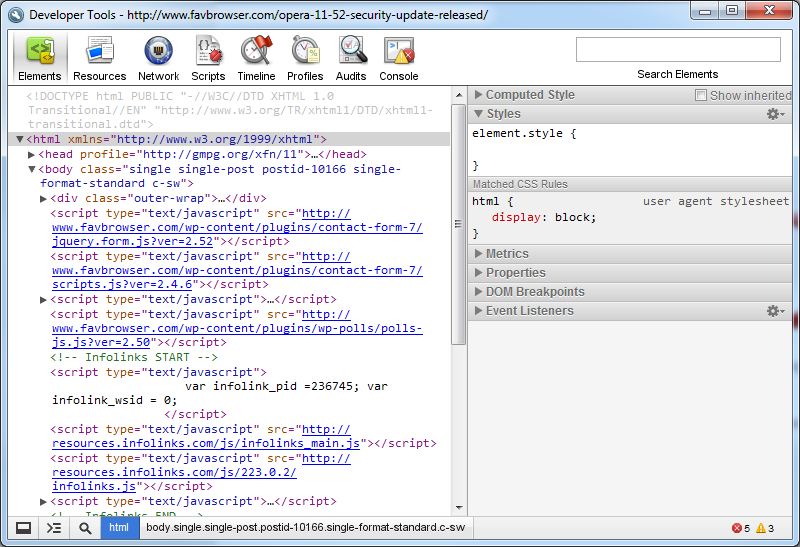
There is not much new to say about the Maxthon developer tools as it’s pretty much identical to Google’s Chrome or Apple’s Safari Web Inspector
If you would like to learn more about this subject, feel free to check our developer tools comparison.
Search

While other web browsers offer standard features, such as: search engines management and suggestions, Maxthon has gone one step further.
Maxthon’s Multi Search allows you to quickly access frequently visited search engines and their features; it has everything ranging from the MP3 to pictures search.
Don’t like Google Images results? No worries, you can switch to Bing with a single click.
RSS Reader
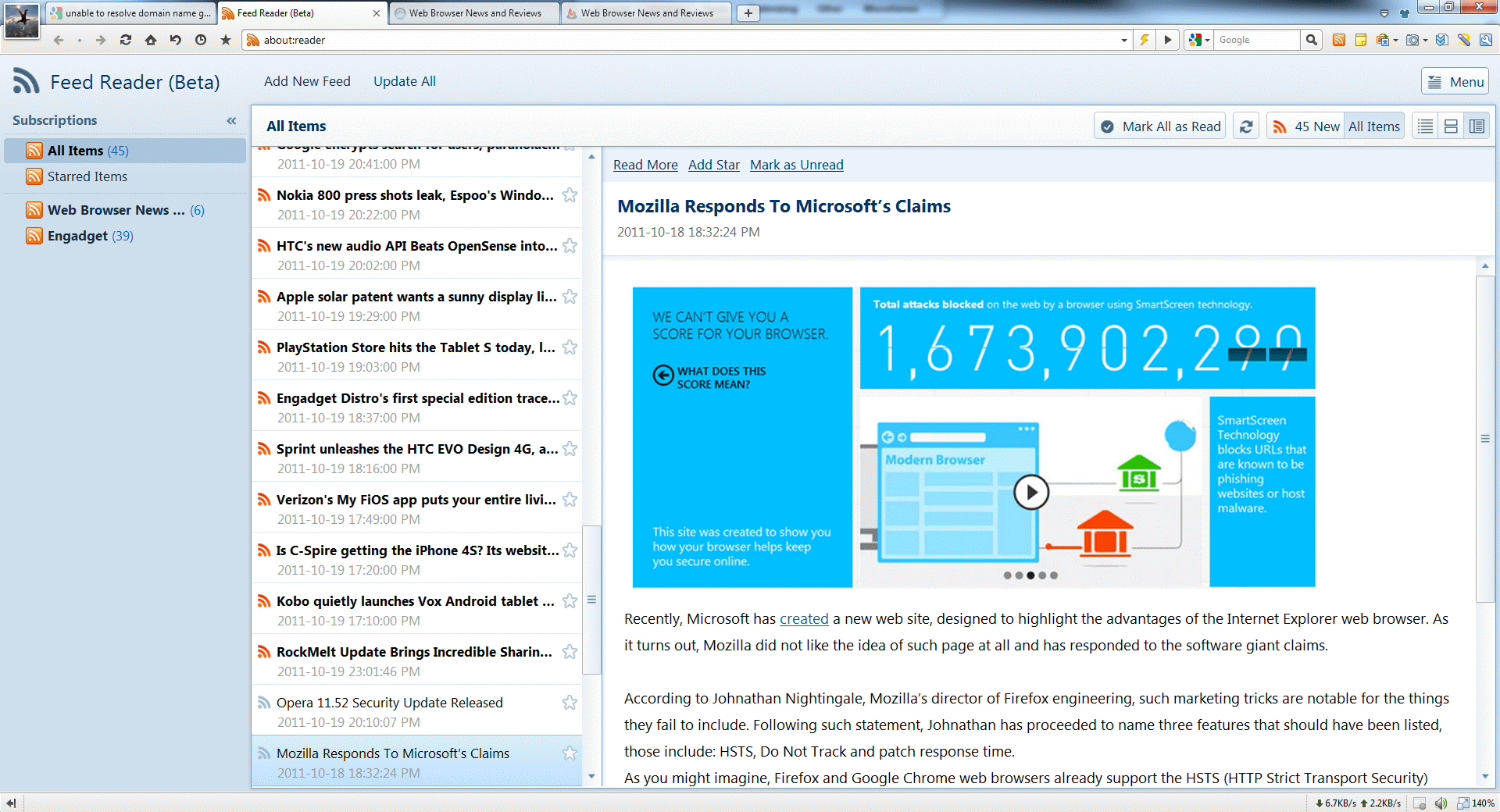
Maxthon 3 has introduced a neat looking RSS Reader, which does have a lot of potential.
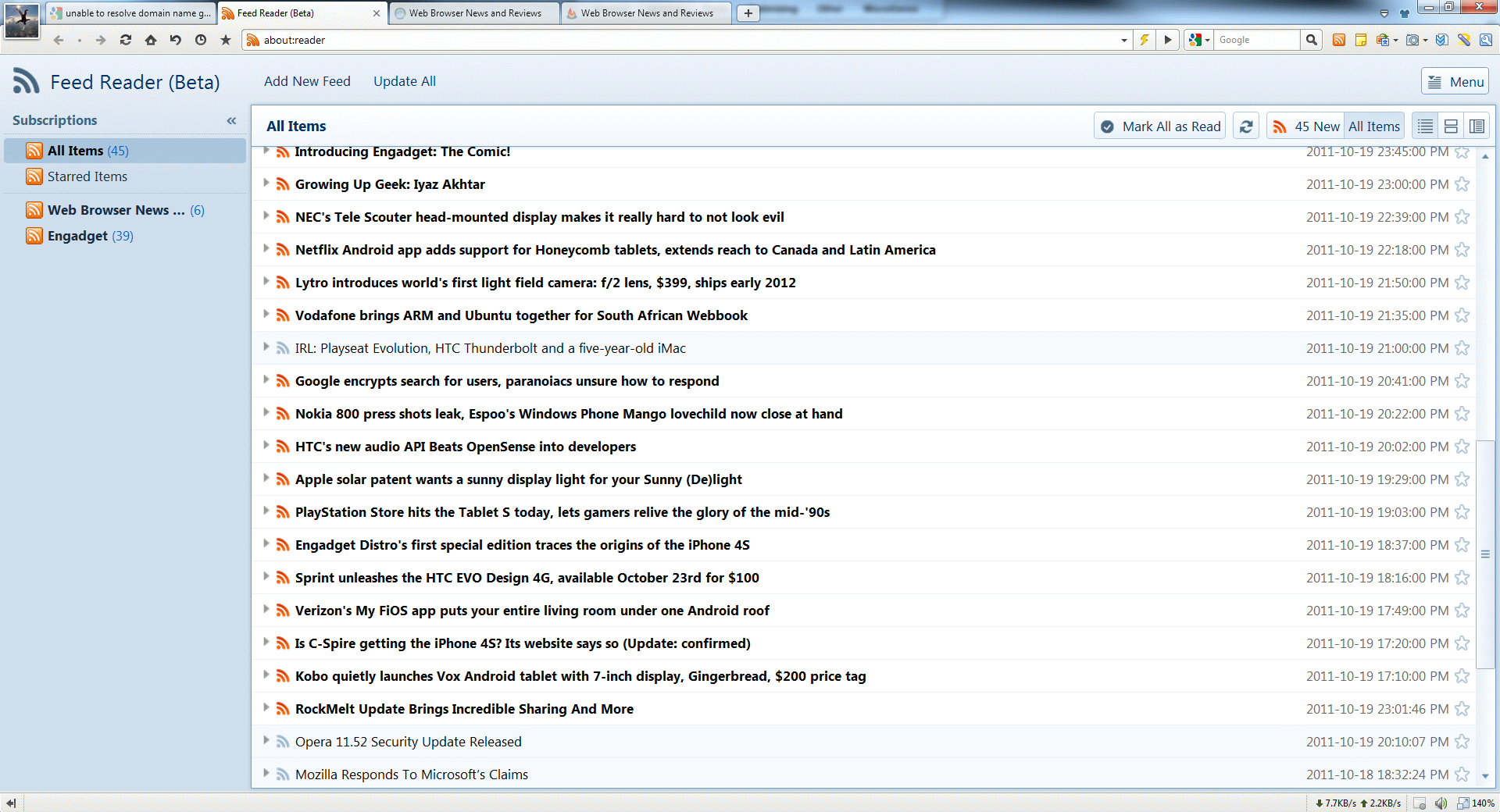
As you can see from the screenshot above, it’s quite a looker and is years ahead its competition. Not only it offers a variety of display modes, but also an ability to zoom in the whole reader by simply pressing CTRL and + keys.
Just like the rest of UI, it’s pretty straightforward and it’s easy to figure things out. There is one major issue though, it doesn’t seem possible to delete a news item of your choice, as “Delete” button does nothing and right click provides little to no functionality.
Having said that, we are eager to try the Final version.
Synchronization
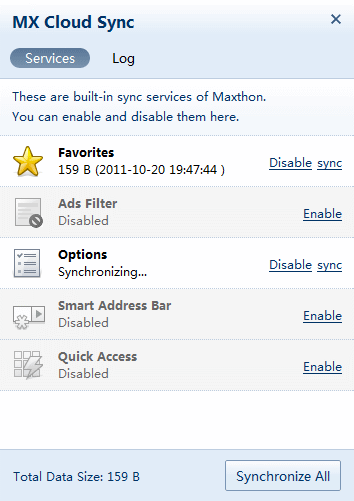
If you are keen on backing up your data or use a couple of PCs, then “MX Cloud Sync” will surely come in handy. After signing up, users will be able to synchronize their data, which includes: Favorites, Ad Filter, Options, Smart Address Bar and Quick Access settings.
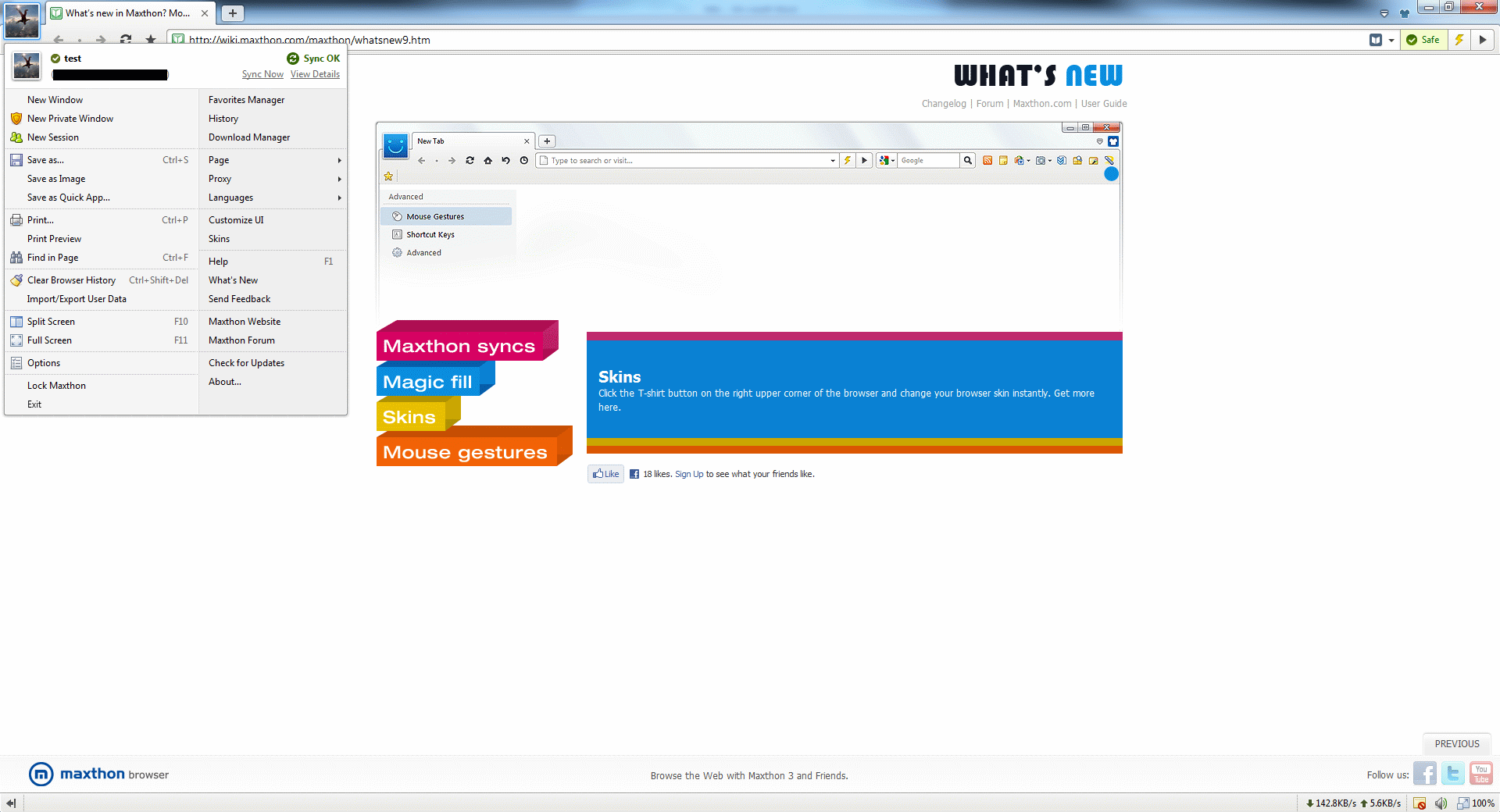
Once logged in, Maxthon will fetch your avatar and display it in the top LEFT corner for easy identification.
Download Manager
Back in old days, Opera used to be a king of the hill when it came to download managers. However, the competitors weren’t sleeping and have since then surpassed it.
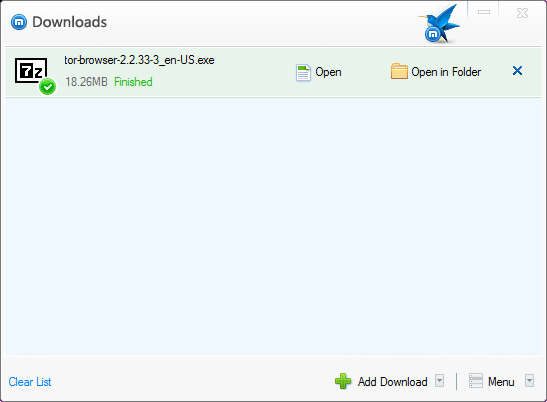
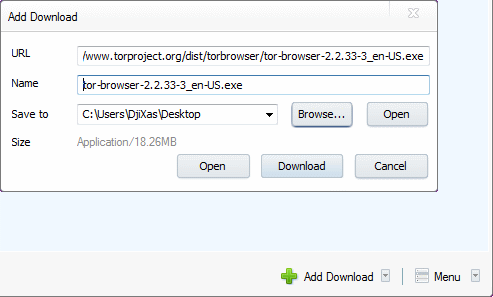
Maxthon Download Manger offers a simple way to manage downloads, not only you can manually add the URL but also control upload and download speed, which can be useful in certain situations.
Customization
After installing Maxthon, we were disappointed to find out that there were no customization options. Right clicking on the navigation or tool icons offered no option to remove any of them.
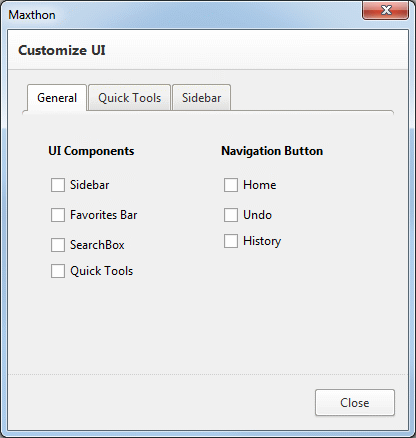
Thankfully, that was just a poor UI decision and there is actually an option to customize your UI via main menu.
The result?
Default
Customized
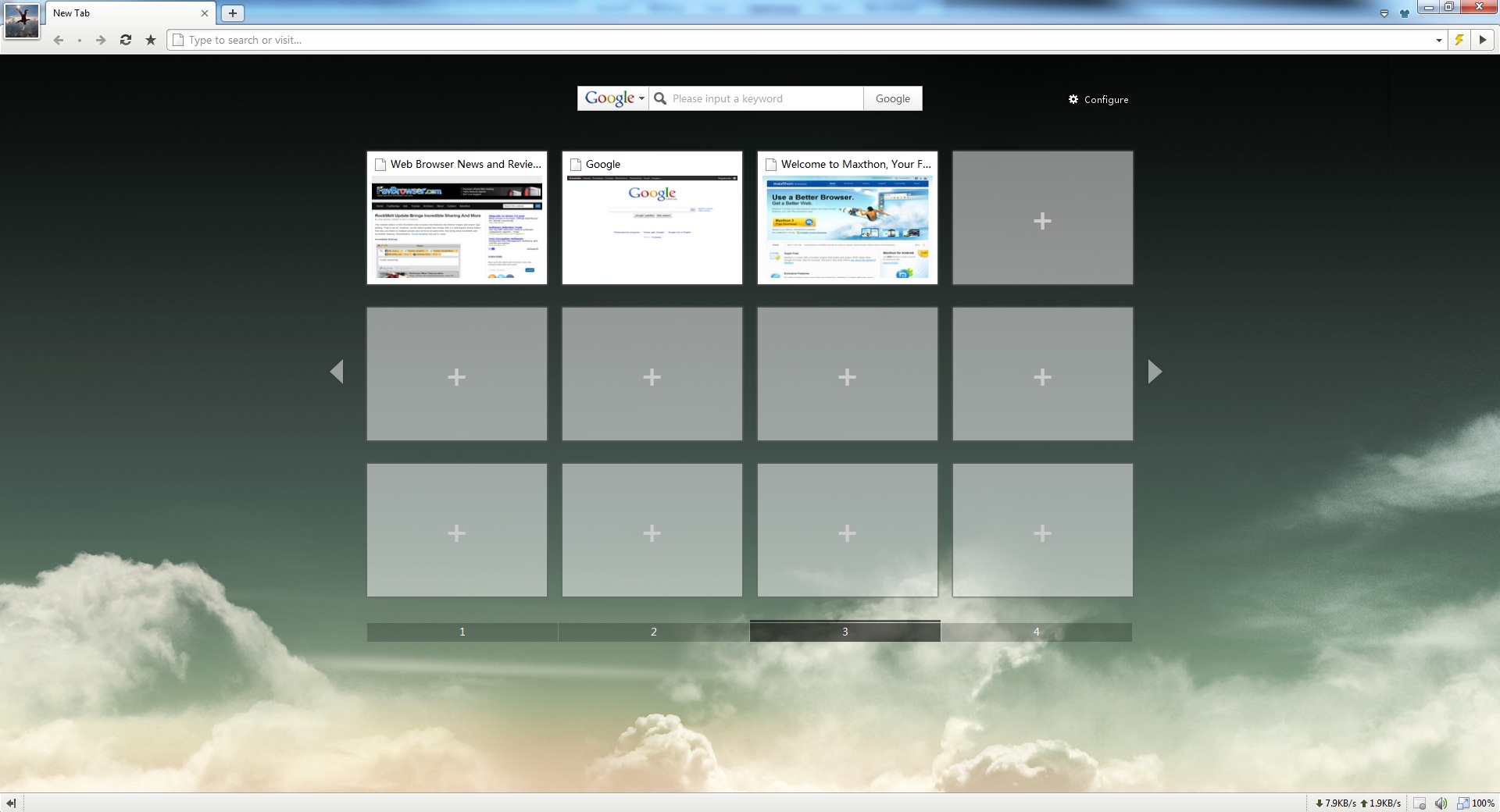
Not too bad, considering that it wasn’t customizable few years ago. However, we would like to see an option to remove the avatar and other elements, such as: search from the Speed Dial, remaining navigation icons and bandwidth meter.
Conclusion
If you ignore the Beta version sluggishness and a lack of polish, you are left with a great web browser that is hard not to love.
It has pretty much everything you would ever need, from features like RSS Reader and Mouse Gestures to Google’s Chrome like performance and superb web sites compatibility. Furthermore, unlike some of the competitors, Maxthon is truly an innovative web browser.
Yes, we loved it and can’t wait to try the Final build.
There is one major issue though. If you enjoy clean and highly customizable user interface, then your only alternative is Opera; and unfortunately for some of us, that’s exactly what we need.
Pros
– Great performance and web sites compatibility
– Rich feature set
– Easy to use
Cons
– “New Tab” page suffers from Internet Explorer like sluggishness
– Lacks polish (Beta)
Download
 Software License: Freeware
 Operating Systems Support: Microsoft Windows
 Download Link: Maxthon 3
 Homepage: Maxthon Browser

About (Author Profile)
Vygantas is a former web designer whose projects are used by companies such as AMD, NVIDIA and departed Westood Studios. Being passionate about software, Vygantas began his journalism career back in 2007 when he founded FavBrowser.com. Having said that, he is also an adrenaline junkie who enjoys good books, fitness activities and Forex trading.
Subscribe
If you enjoyed this article, subscribe to receive more just like it.


“Maxthon, a hybrid web browser from China, has gained a huge crowd of followers in its own homeland and quickly took over the first spot from the Internet Explorer itself.”
Are you sure about that ? what are your sources
http://gs.statcounter.com/#browser_version-CN-monthly-201109-201110 shows that IE 8 is the top browser in China with 39% followed by IE 6 with 37% IE9 5% IE 7 4% Chrome 14 3% Chrome 6 at 1.7% followed by Maxthon 3 at 1.5%
Hard to imagine that Statcounter could be so wrong.
When I tried it recently I thought Mouse gestures & Speed dial were good the Trident & Webkit combo seemed to work well but as for the rest “Lacks Polish ” its so rough it needs a lot of sandpaper to get it smooth enough for the polishing to begin.
Hmm, that’s interesting. I wonder if MyIE (former Maxthon name) is tracked as Internet Explorer?
More importantly, which version of Internet Explorer? IE8, IE6, IE9, and IE7 all have quite a presence in China.
What are the sources for YOUR claim that Maxthon took over from IE as the #1 browser in China?
The guys who made Maxthon?
Could you please add a link to your sources the next time you make a claim like that? Especially if your sources are a company known for its lies.
Hi Mikah,
This is Karl from Maxthon. I would not completely trust anything that purports to track browser share in China, statcounter included. They track by user agent string and lump versions of maxthon with versions of IE. It’s a dirtly little (not so) secret of software share tracking. Very rough in China. On any given day we are #3 or 4 in China in terms of daily active users, nearly equally split between Maxthon 2 and Maxthon 3.
I’m curious as to when you last tried Maxthon 3. To be frank, the launch of Mx3 was bumpy and we went out with a product that was not as polished as it should be. The current version is pretty slick.
Well Maxthon 3 now uses Webkit as default & the user agent string is set to Maxthon if huge numbers of Maxthon are forced to identify as IE to access sites in China maybe you should copy the edit site preferences>Network>Browser Identification in Opera.
“Maxthon, a hybrid web browser from China, has gained a huge crowd of followers in its own homeland and quickly took over the first spot from the Internet Explorer itself.”
Is Maxthon the number one browser in China ?
I downloaded the latest Maxthon as a Portable (good option) to have on the download page & it is lot better than a couple of months ago the adhunter feature works well & one of the default skins mx modern has the tabs on the top of the screen & obeys Fitts law.
The get more skins option is pretty horrible . First you have to register on the forum then before you can download the skin you have to leave a comment then when you download the skin you have to find the download & copy it across into the skins folder and you are not guided through the process you have to muddle through on your own.
It is a usable browser now I prefer it to IE 8 & maybe even IE9 but as an Opera user I’m not tempted to switch.
how can chrome 6 be lower then 14??It auto-updates!!
is it an unwritten law that every browser has to look exactly the same these days?
Maxthon 3.2 isn’t a beta. I was going to point that out earlier but I thought it was known already.
The latest version of Maxthon is 3.2.0.1000 final. I’m using it right now. :P
I reviewed when it was announced in beta forum only. But you are correct.
Still no simple way to turn off the status bar. :P
Change skin
simple and stupid
Too complicate, Firefox complicate an other way but much better.
It’s improved since I last used it.
Trying..
Nice M3 write up, but as usaul, writer didn’t take enough time to get to know M3. He needed to take a look at skins and what can be done with them.
http://www.favbrowser.com/the-maxthon-3-1-story-or-how-i-slayed-the-dragon/
“Maxthon 3 has introduced a neat looking RSS Reader, which does have a lot of potential.
As you can see from the screenshot above, it’s quite a looker and is years ahead its competition. Not only it offers a variety of display modes, but also an ability to zoom in the whole reader by simply pressing CTRL and + keys.”
There are some nice view options pity you can only view the headline in the feed reader you have to view the meat by opening the article as a new page which is not the feed.
Opera does it better click on the feed & you get it in the feed reader with all the adverts & extra links removed if you want to open the article there’s a link on the bottom. And zooming in Opera in the feed reader is even easier only needing the + or – keys although Ctrl + will work the Ctrl is not needed.
e quite different. Microsoft’s IE is still in the lead while Maxthon is miles away from being a “must hav