
Facebook: Find Who Removed You from the Friends List (Unfriended) and Ignored
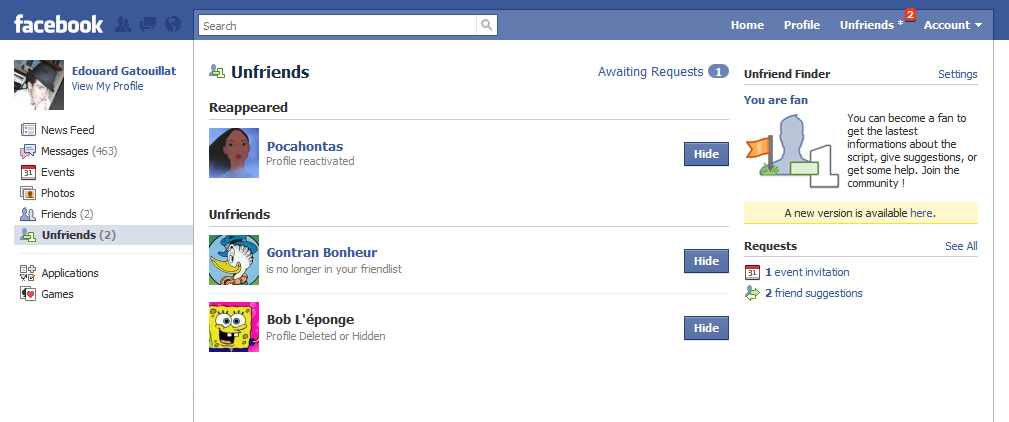
Here is a quick and painless way to find out, who deleted you from the friends list, ignored your friend request, etc. You may also remove your friend sending request. The best part: no seamless Facebook app installation is required.
Firefox
– Install Greasemonkey
– Restart Firefox
– Click on the following link
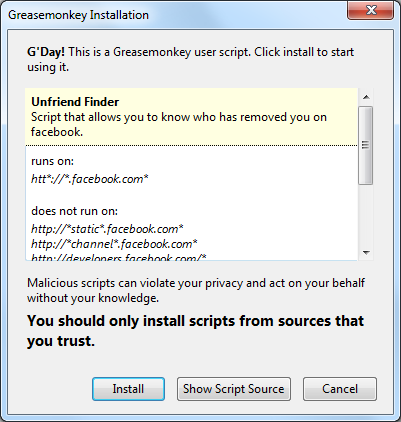
– Click Install
– Refresh Facebook (F5)
Google Chrome
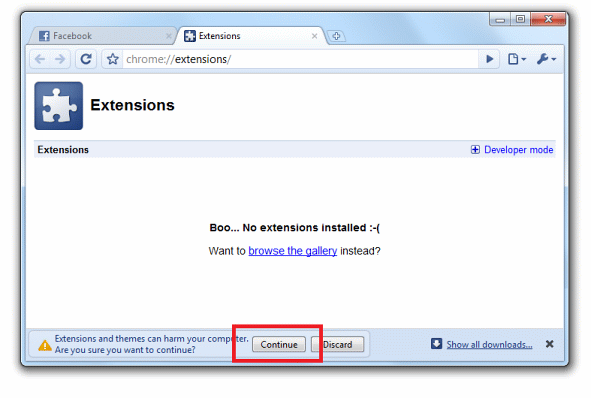
– Click on the following link
– Confirm installation when asked
– Refresh Facebook (F5)
Safari
– Install NinjaKit
– New button should appear (near “Next” “Previous”, etc.)
– Load user.js into NinjaKit

– Refresh Facebook (F5)
Opera
– Right click on the following link and press “Save Linked Content As”
– Save to C:\Program Files\Opera\Scripts
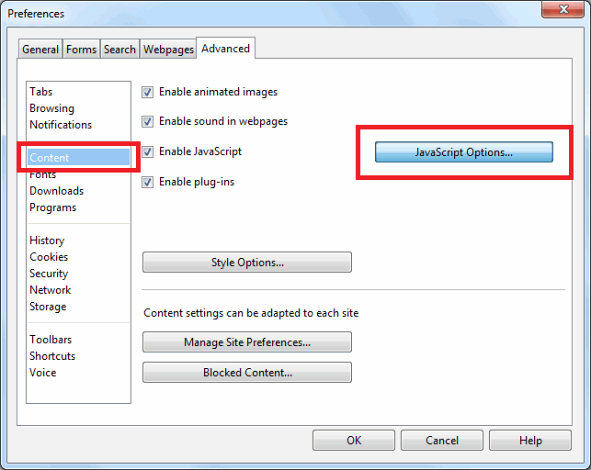
– Go to Settings > Preferences (CTRL+F12 or ALT+P)
– Advanced > Content
– Click Javascript Options
– Browse to the folder where your saved .js file (C:\Program Files\Opera\Scripts in our case) is.
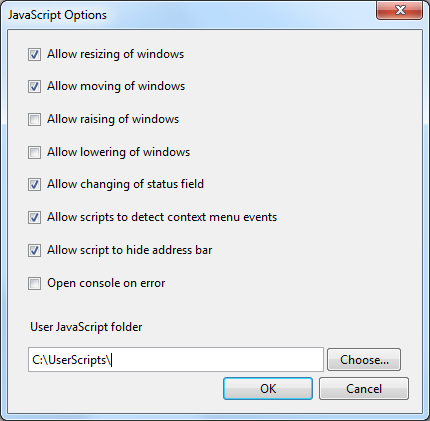
– Refresh Facebook (F5)
Done!

About (Author Profile)
Vygantas is a former web designer whose projects are used by companies such as AMD, NVIDIA and departed Westood Studios. Being passionate about software, Vygantas began his journalism career back in 2007 when he founded FavBrowser.com. Having said that, he is also an adrenaline junkie who enjoys good books, fitness activities and Forex trading.
Subscribe
If you enjoyed this article, subscribe to receive more just like it.


This really doesn’t seem to work at all! Or is it because I delete my cache/cookies every time I exit the browser…?
This could be the reason.
I tested with Opera and see “Unfriends” list, not sure if that’s what you mean by not working.
Same here. Opera 11.
I see the “Unfriends” list, but no one is on there, even when I noticed my number of friends had dropped. I’m using Firefox with Greasemonkey by the way. Guess I’ll try not clearing browser data so often.
Hmm, try creating fake account, add to friends and remove yourself (without clearing cache), see if you see # increase.