
Pogo Web Browser Preview
 Some time ago I’ve received an invitation to try Pogo Web Browser so downloaded Pogo 1.1 Beta and started to play with it.
First thing I noticed during the download process was its size. Pogo is a heavy browser and its installation uses more than 50 megabytes (54.5 MB) of disk space.
It took some time to install it but installation went smooth and without any errors.
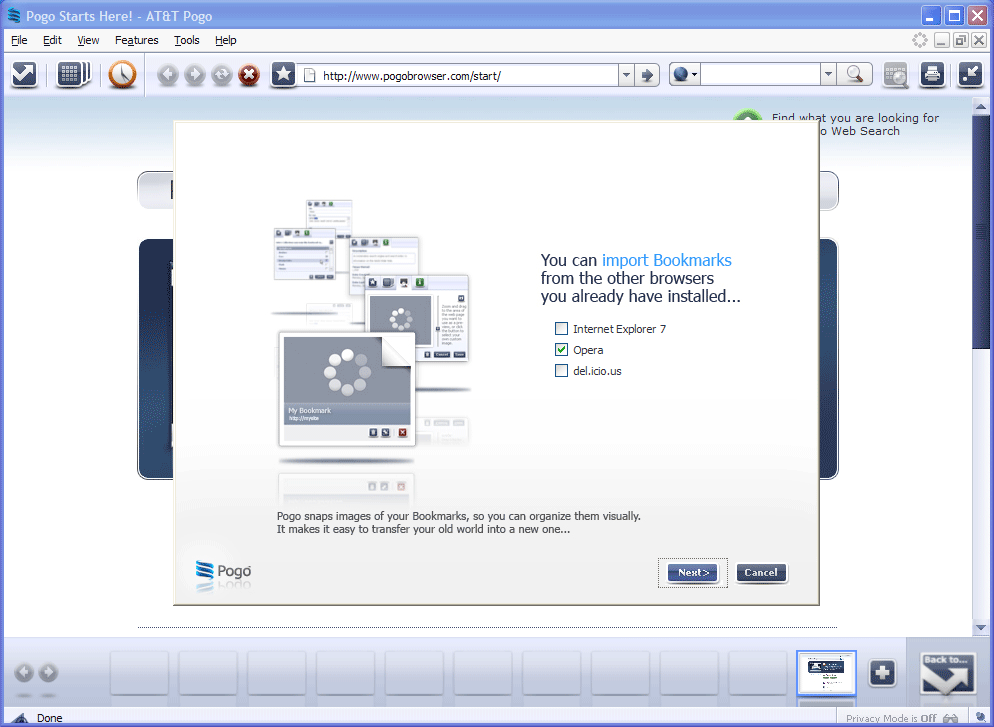
Once you launch Pogo, it offers you to transfer bookmarks from other web browsers. Since it’s a beta only, Safari and Firefox weren’t located.
Click to Enlarge
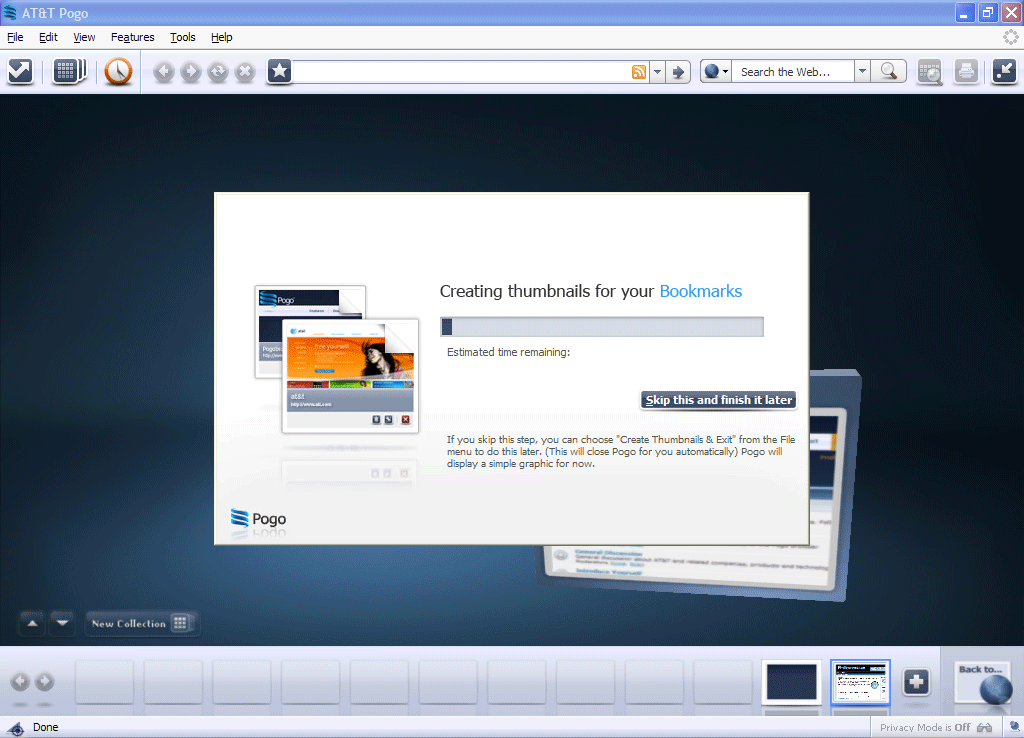
This is the part where I just had to click skip. Takes way too long.
Click to Enlarge
Unlike other web browsers, Pogo keeps your tabs in the bottom (with small thumbnails). You can easily click on any blank one to open new page. All that simple.
Visual bookmarks
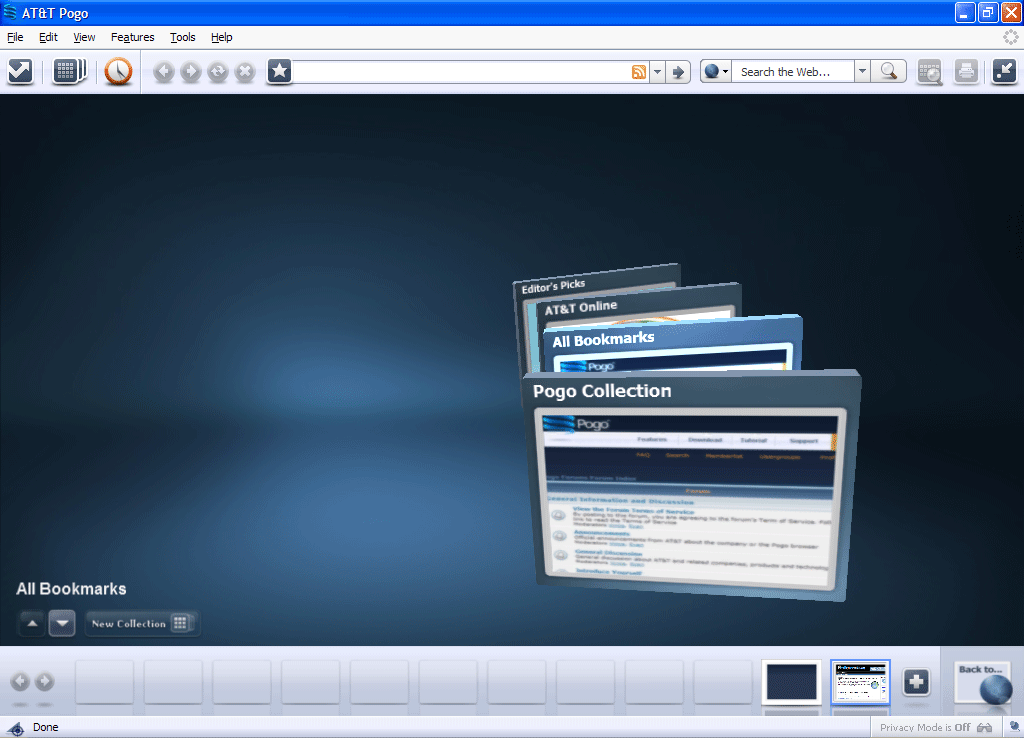
Click to Enlarge
Here’s a feature similar to Opera’s speed dial.
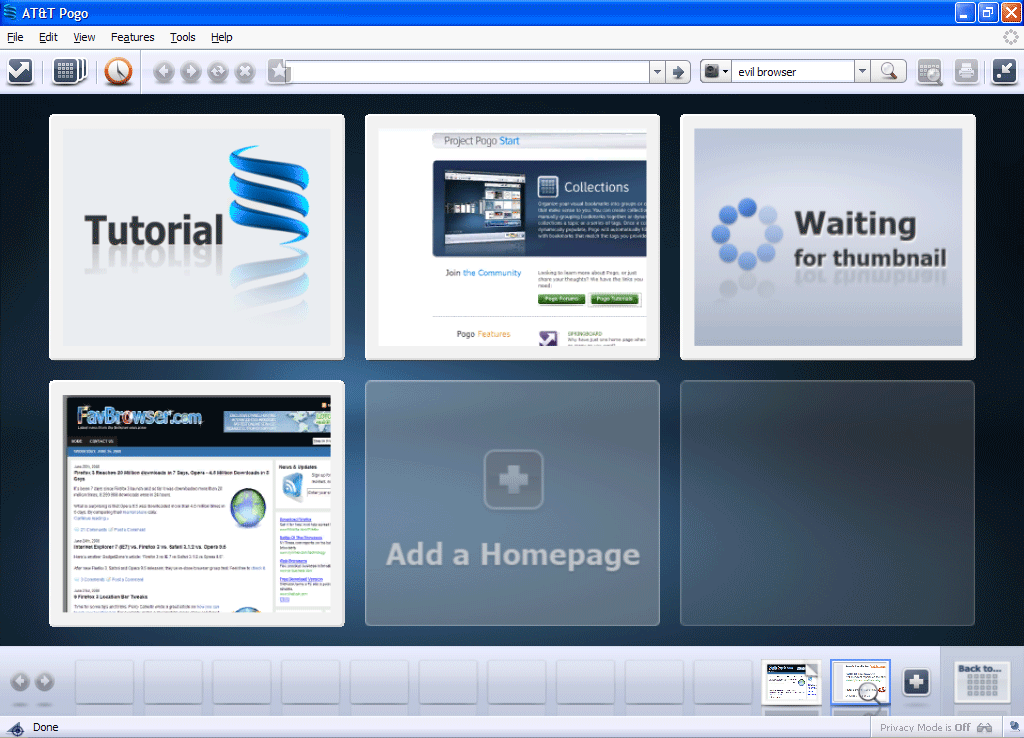
Click to Enlarge
As this is Firefox based web browser, settings are not much different.
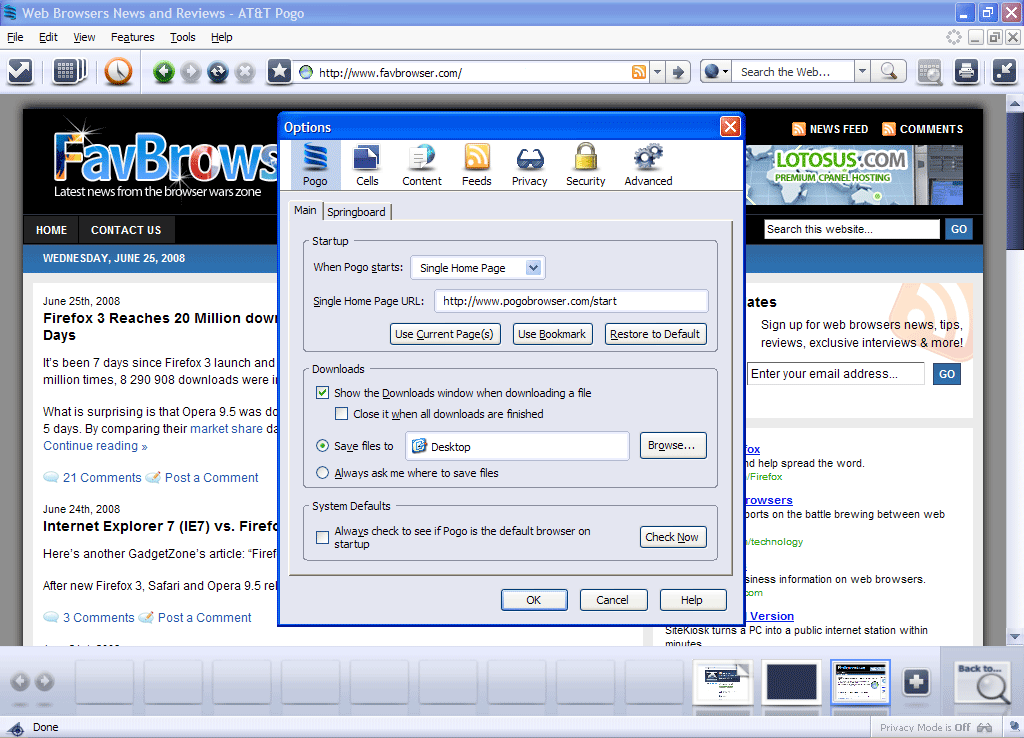
Click to Enlarge
This is one of the features which I really enjoyed. Quick search bar.
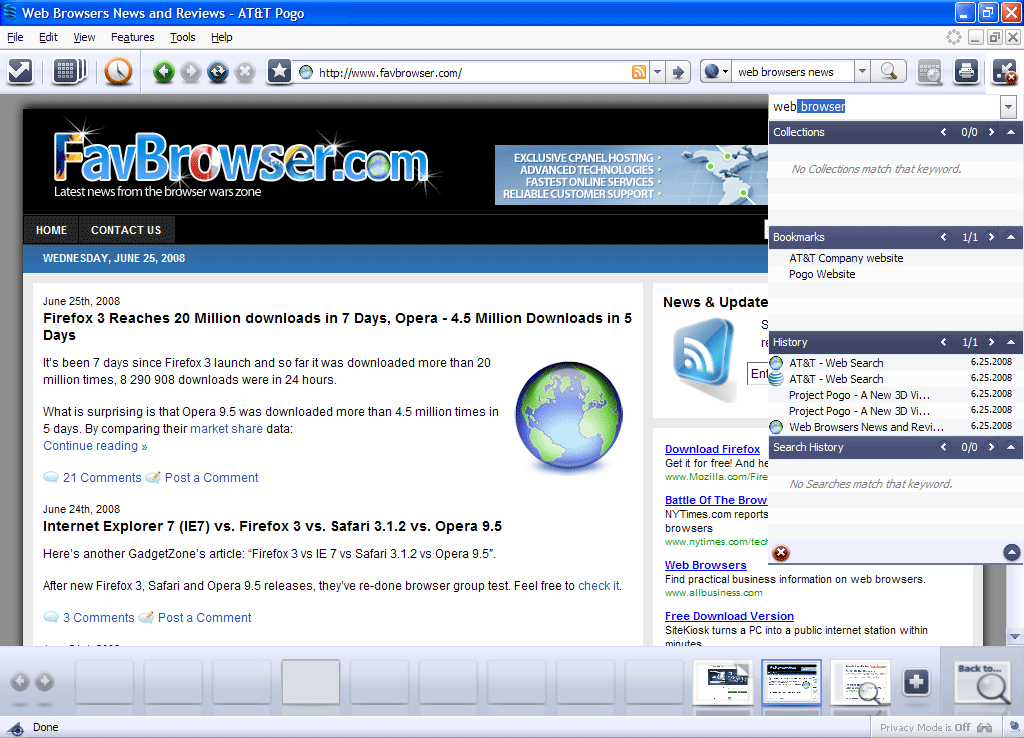
Click to Enlarge
Overall, Pogo was way too big and used too many resources. Maybe in the near future this won’t be an issue anymore. But hey, it’s a 3D web browser. What did you expect? Low resources usage?
[digg-reddit-me]

About (Author Profile)
Vygantas is a former web designer whose projects are used by companies such as AMD, NVIDIA and departed Westood Studios. Being passionate about software, Vygantas began his journalism career back in 2007 when he founded FavBrowser.com. Having said that, he is also an adrenaline junkie who enjoys good books, fitness activities and Forex trading.
Subscribe
If you enjoyed this article, subscribe to receive more just like it.


Hey, can you send me a invitation? :)
Hi,
They gave me 1 only :-) But promised to give more of them someday, for FavBrowser visitors.
Looks nice. But I’m waiting for Opera 10, possibly with hardware accelerated zoom and panning. And maybe with cool 3D effects like this. It won’t be that big either I guess…
Can you send me a invitation, looks very nice. Would like to give it a try. Thanks