
Category: Opera

Browser Memory (RAM) Usage: Firefox 3.5 RC, Safari 4, Opera 10 Beta, Google Chrome 3.0 Dev
Sam Allen from DotNetPerls.com has tested the most recent web browser versions to find out, which one of them consumes the most and least memory.
Usign script help, he has loaded 150 the most popular sites as per Alexa.com and monitored results.
Results: Continue Reading
Safari 4 vs. Chrome 2 vs. Opera 10 vs. Firefox 3.5 vs. Opera 9.64 vs. Firefox 3 vs. IE8, 7
 It’s that time of the month again: web browser performance and benchmark results. This time it’s going to be a little bit different. The graph you are about to see is from Peacekeeper benchmark site and as James Gallagher explained to us: this chart is made from averaging results from thousands of PC with the three CPUs listed.
Listed browsers:
Safari 4 Beta
Safari 4 Final
Chrome 2.0.172.30
Chrome 2.0.181.1 Beta Continue Reading

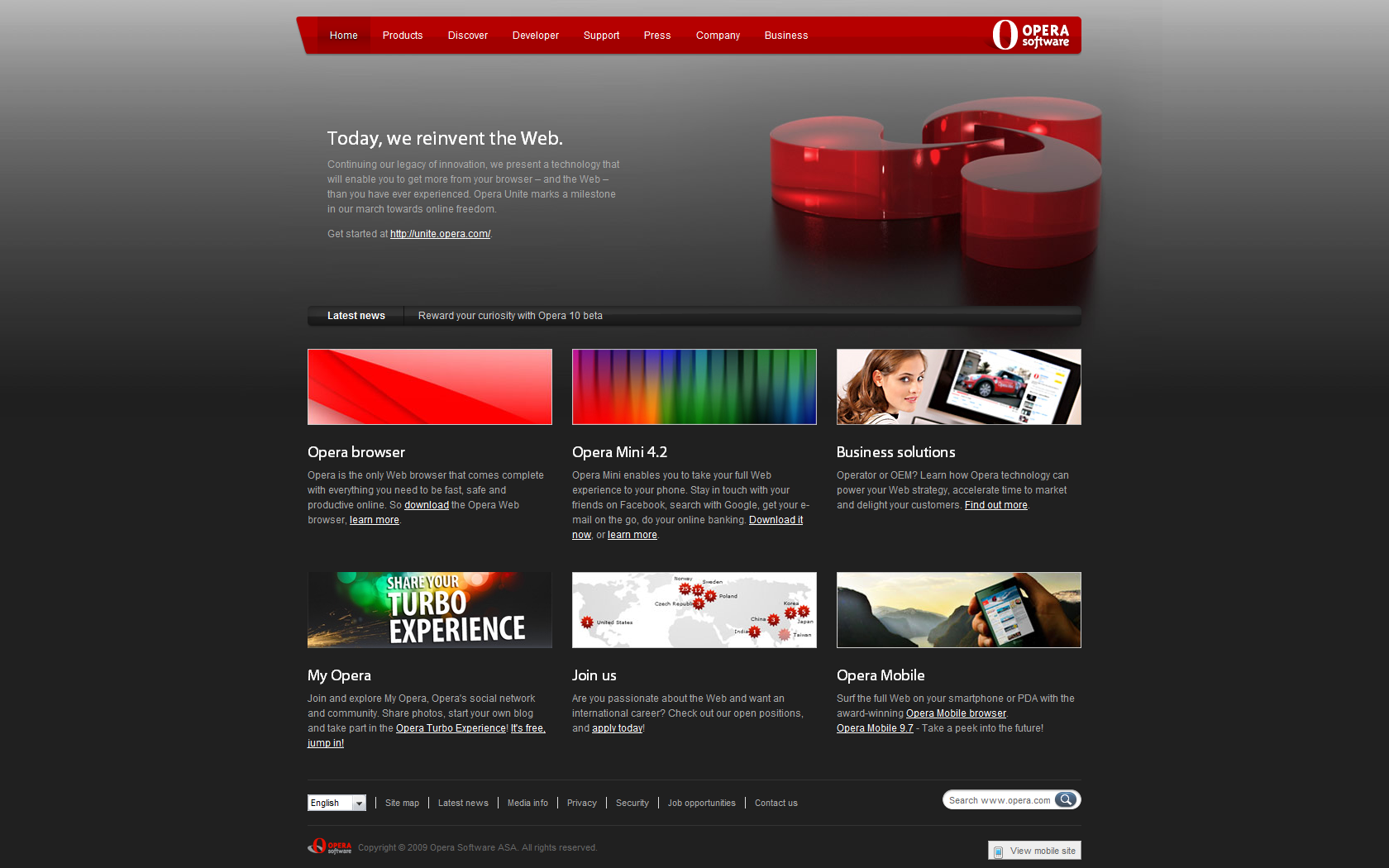
Opera.com – Refreshed Home Page
With the launch of Opera Unite, some changes were also made to opera home page design (black background + top pictures). It’s the first Opera design which I really enjoy looking to (white one was missing something), which is probably a good thing :-)
Opera Adds “Hide Menu Bar”
The latest Opera weekly build (with Opera Unite) introduced one more feature to clean up user interface: hide menu bar.
To access it, just hit “Alt” and click on “Show Menu Bar”.
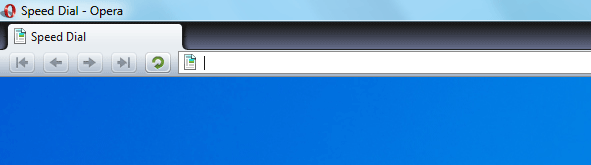
Few more tweaks and it’s as clean as it gets.
Opera Freedom Secret Revealed: Opera Unite
 As predicted by Mike, the latest project by Opera Software is a sharing technology called Opera Unite.
“Opera Unite is a collaborative technology that allows you to share data, such as files or photos, directly from your computer with others, without uploading and sharing them through a central, third-party server. The technology behind Opera Unite uses a compact server inside the Opera desktop browser to share data and services on your computer. There is no need to upload files that you want to share; you remain in control” Continue Reading
Boycott Opera! And Firefox! And Chrome! Wait, what?
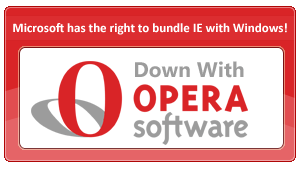 Ars Technica writes:
In response to the EU’s decision to continue its antitrust investigation into Microsoft, one community wants everyone to boycott Opera. The trouble is, the reasoning for doing so can be applied to boycotting Mozilla and Google as well.
[Read]
Opera: How to Remove/Hide “What is Speed Dial” and “Configure Speed Dial”?
 After we have removed search box from the speed dial page, it’s time for the final clean up and hide/delete (call it how you want) “What is Speed Dial” and “Configure Speed Dial” buttons.
In the address bar type:
opera:config#Speed Dial State
Replace existing number with “2” (without quotes).
Hit “Save”, restart Opera.
Enjoy clean page.
More on Opera Freedom

With all the hype building around Opera Software, there are hundreds of comments all over the internet, guessing what it will be. While some of speculations include: new widgets platform, cloud computing related technology, etc. there is one which makes more sense than any other (at least in my point of view):
Mike (@mydigitalself) (at TechCrunch)
“If you take a step back and look at the evolution of the social web, our content is fast becoming an integral part of the web, and our content is stored on devices – mainly laptops and phones.
Now imagine that your device, rather than being a consumer of the web and having to explicitly push data up to the web, becomes PART OF the web.
I think that Opera may just create a P2P web that easily allows you to share your content with anyone or on any site. Your device effectively becomes a web site.”
Any other ideas?


